Stop re-explaining your context
to every AI.

No more pasting the same context into ten AIs.
Capture once. Every AI reads your URL.

Free during beta. No install. No signup to try.
Verified across
ClaudeChatGPTGeminiCursorCodex+ more
Surfaces in action
01Capture → Organize → Use

Three stages, one product.

Capture is the friend. Organize is the AI. Use is your right.

Capture

Save what matters in three seconds.

  • One click from ChatGPT, Claude, Gemini chats
  • Cursor, Codex, Aider — one install
  • Drop PDF, DOCX, PPTX files
  • Permanent URL the moment you save
Organize

AI sorts everything in the background.

  • Auto tags, clusters, summaries
  • Bundles related docs by topic
  • Every change attributed
  • Original markdown is never overwritten
Use

Any AI reads your knowledge from one URL.

  • Paste hub URL into any chat
  • Fetches the relevant slice as context
  • Works across Claude, ChatGPT, Gemini, Cursor, Codex
  • No SDK, no auth, no rate limits
How it actually works

A document → a bundle → a hub. URLs everywhere. Markdown the whole way.

  • Capture a chat → permanent URL, version 1, edit token returned.
  • Pick N docs → a bundle URL with cached cross-doc analysis.
  • Your hub at memory.wiki/@you auto-publishes an llms.txt manifest. Updates ripple through automatically.
Read the full walkthrough
02One URL, every AI

Write from any surface. Read from any context.

The hub URL is the single source. Capture surfaces write into it. Every AI reads it the same way, clean markdown, no auth, no rate limits.

One URL
memory.wiki/@you
Read in
ClaudeChatGPTGeminiCursorCodexCopilotVS CodeBrowser+ more

Cross-AI by design. Permanent by policy.

03Nine surfaces

Wherever you already work.

memory.wiki ships as native apps across every surface that matters. One account, one hub, every entry point.

Web editor

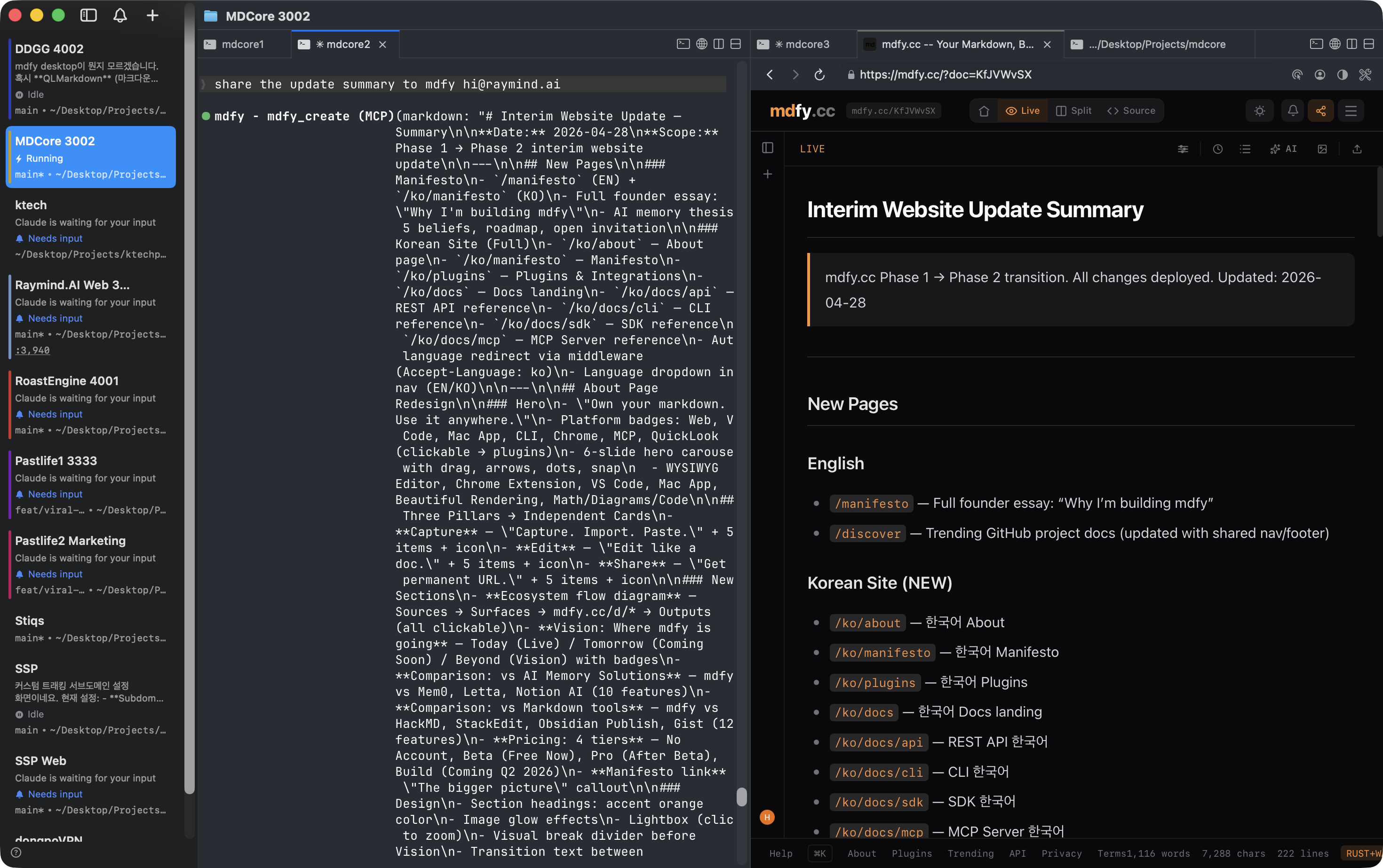
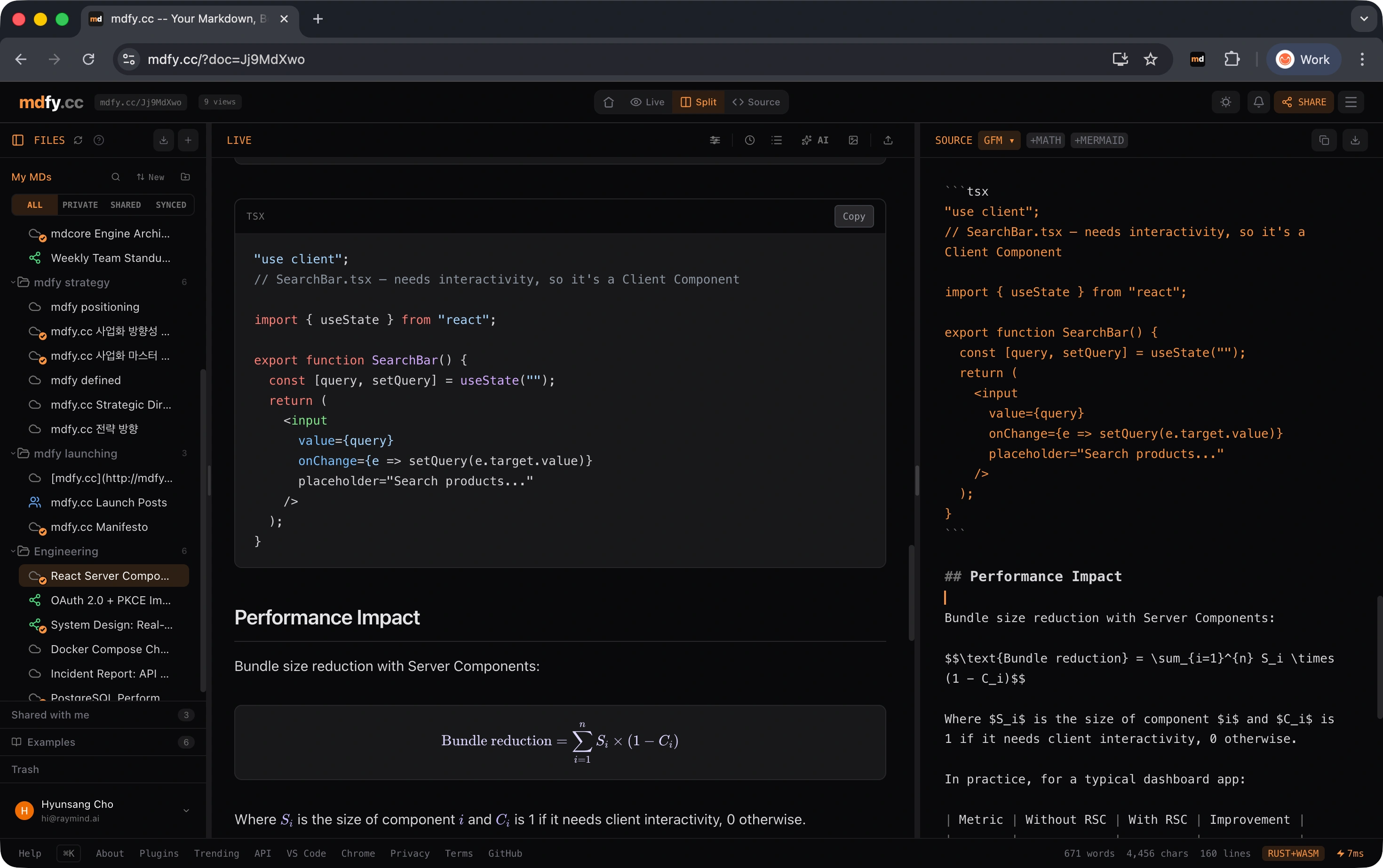
WYSIWYG markdown at memory.wiki. Paste, drop a file, capture. URL in three seconds.

Open

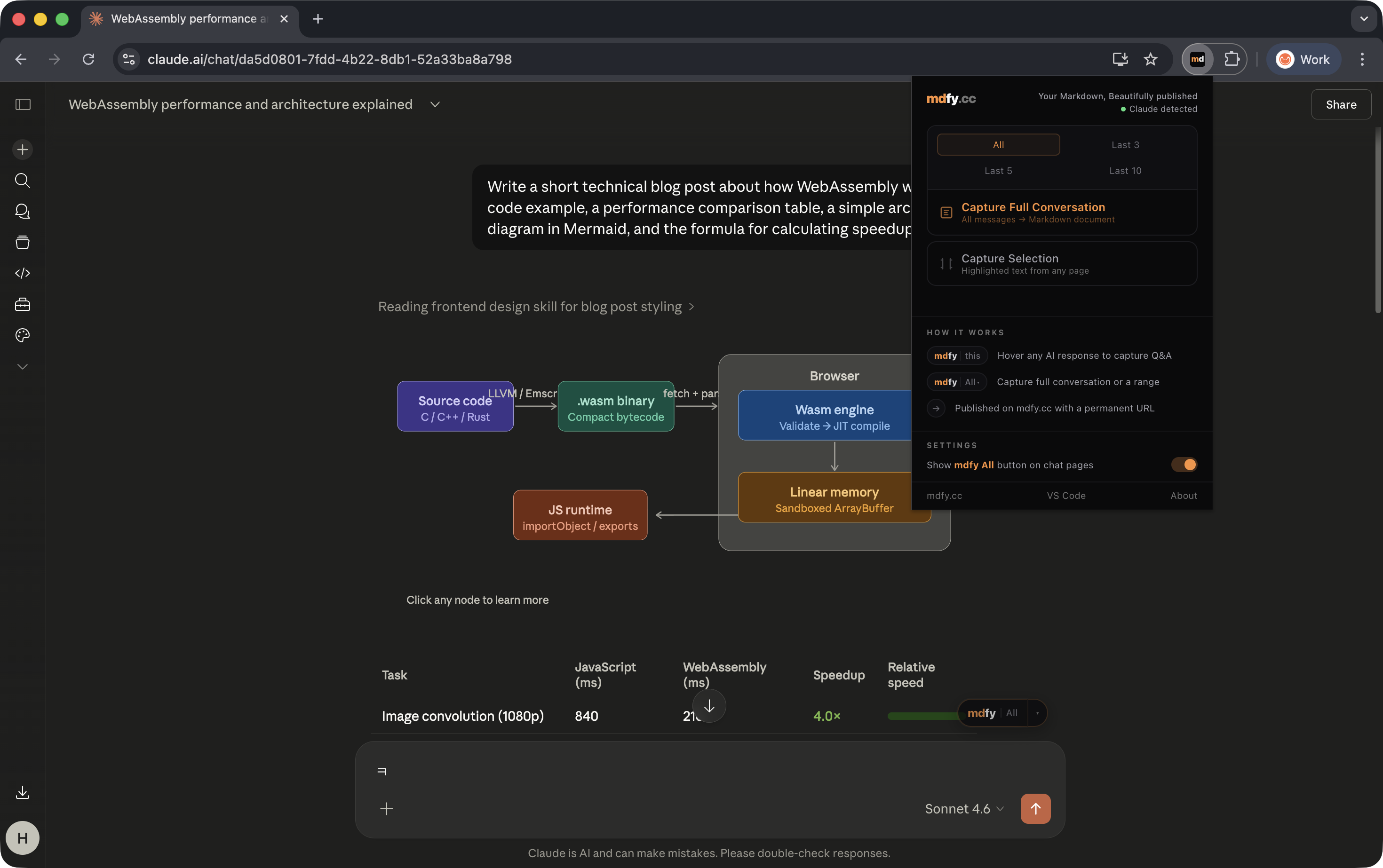
Chrome extension

One-click capture from ChatGPT, Claude, Gemini chat pages.

Open

VS Code extension

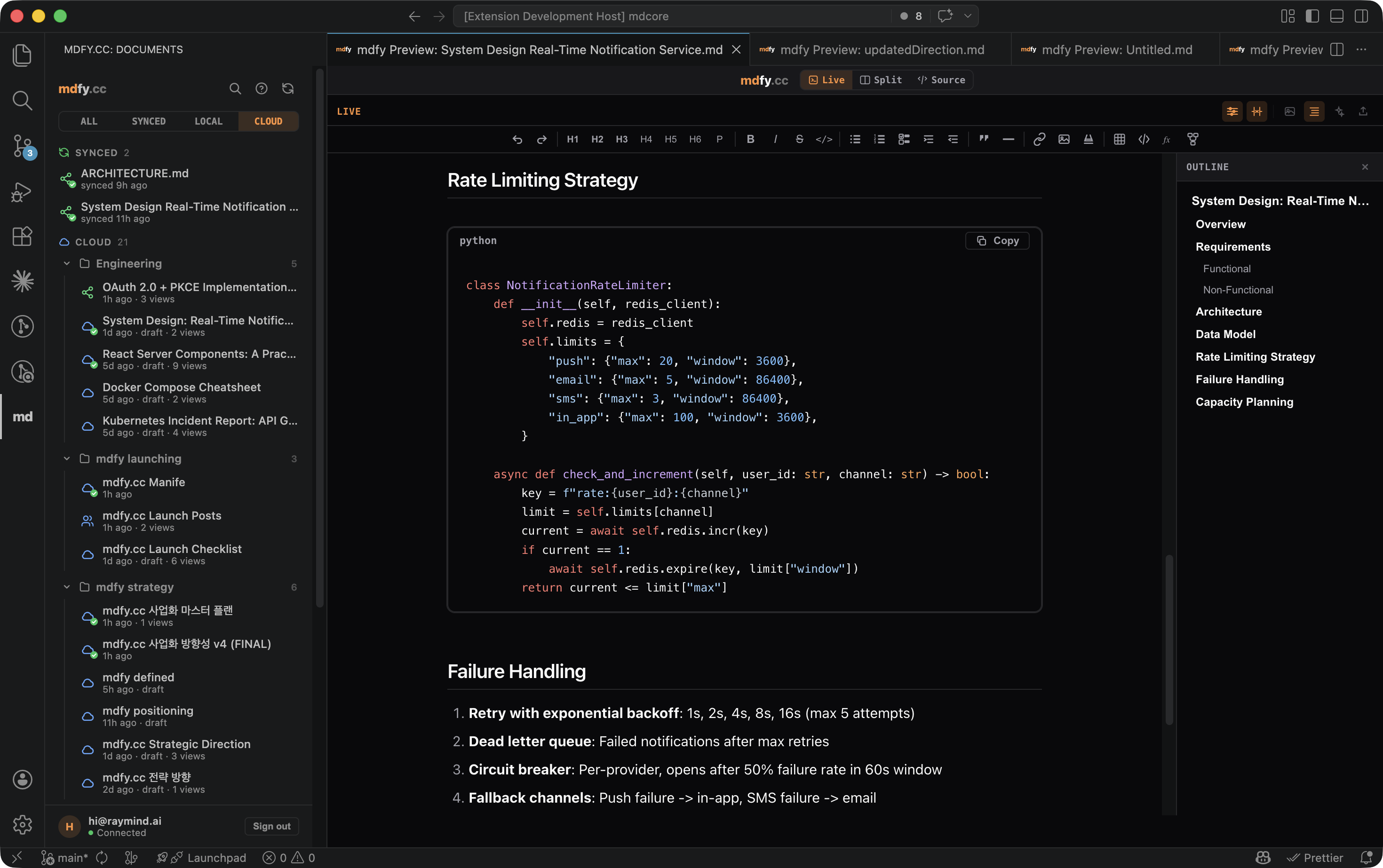
WYSIWYG preview, cloud sync, AI tools, Copy-as-context, sidebar.

Open

memory.wiki for Mac

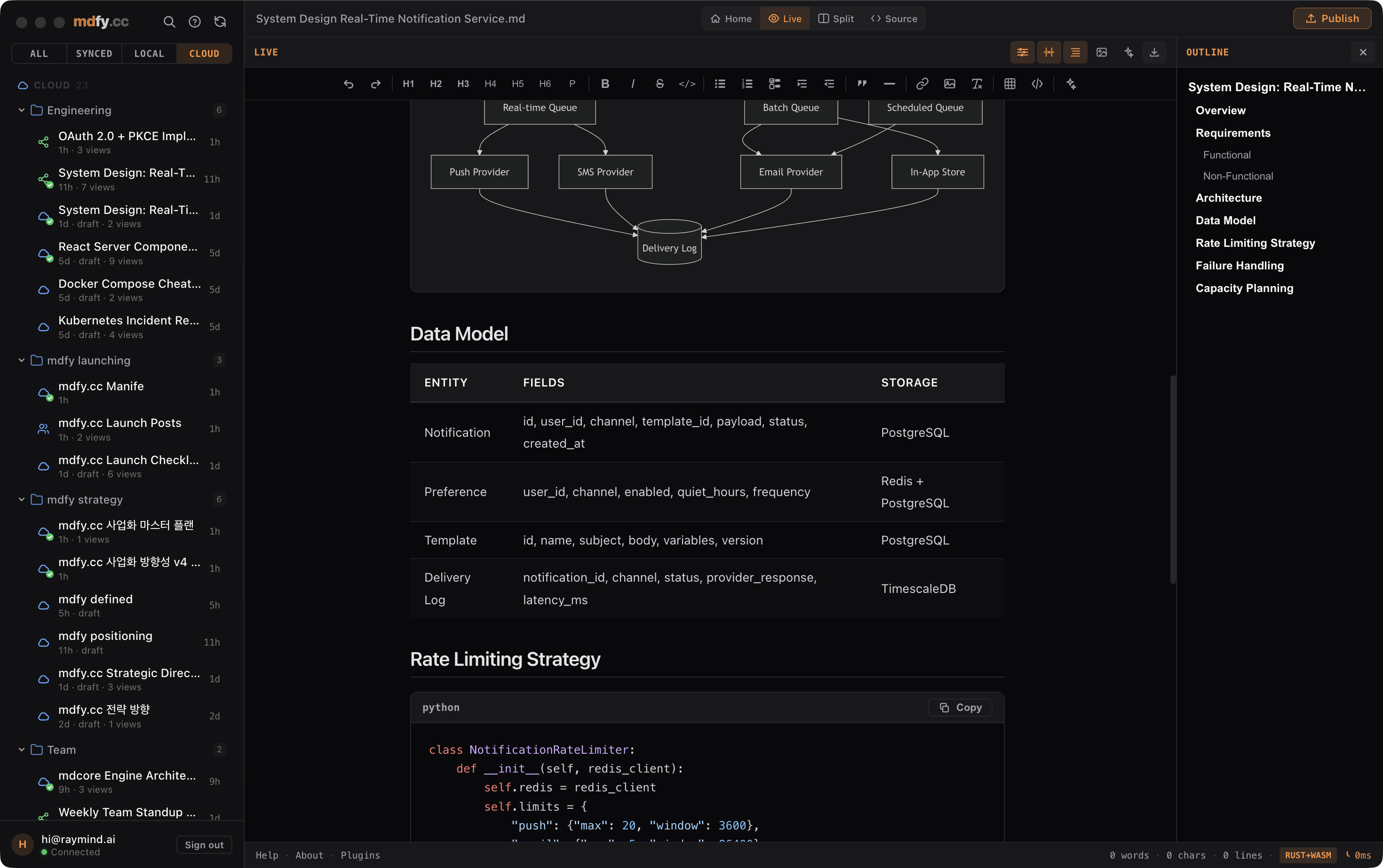
Native sidebar, folders, offline, signed and notarized DMG.

Open

iOS native

Share Extension, camera capture with OCR, Spotlight, Widgets, background sync.

Open

Android native

Share intent, camera, Widgets, background sync, push.

Open

CLI

memory-wiki-cli on npm. mw publish, mw capture, mw login, pipe-friendly.

Open

MCP server

28 tools for Claude Code, Cursor, Windsurf, Codex. Save and recall by URL.

Open

QuickLook

Preview .md files in Finder with full markdown rendering, bundled in the Mac DMG.

Open
04Three URL primitives

Document, Bundle, Hub.

Same primitive, three nested scopes. Each fetches as plain markdown for any AI, no SDK, no plugin, no MCP server required.

Document

memory.wiki/<id>Atomic

One captured answer, paper, or transcript. One permanent URL. The atomic unit.

  • Capture in three seconds from anywhere
  • Citable, versioned, permanent
  • Markdown payload to any AI
Bundle

memory.wiki/b/<id>Curated

A curated grouping of docs around a topic. One URL pulls the whole collection into any AI.

  • Manual select or AI generated
  • Compact mode, 5 to 9 times cheaper
  • Semantic recall by query
Hub

memory.wiki/@<you>Namespace

Your entire knowledge layer as a single URL. Paste it once, every AI reads it.

  • Public face of your knowledge
  • AI manifest at /llms.txt
  • Compact digest, token budgeted
05What's inside

Editor, search, graph.

The substance behind the URL. Everything is markdown, everything is open.

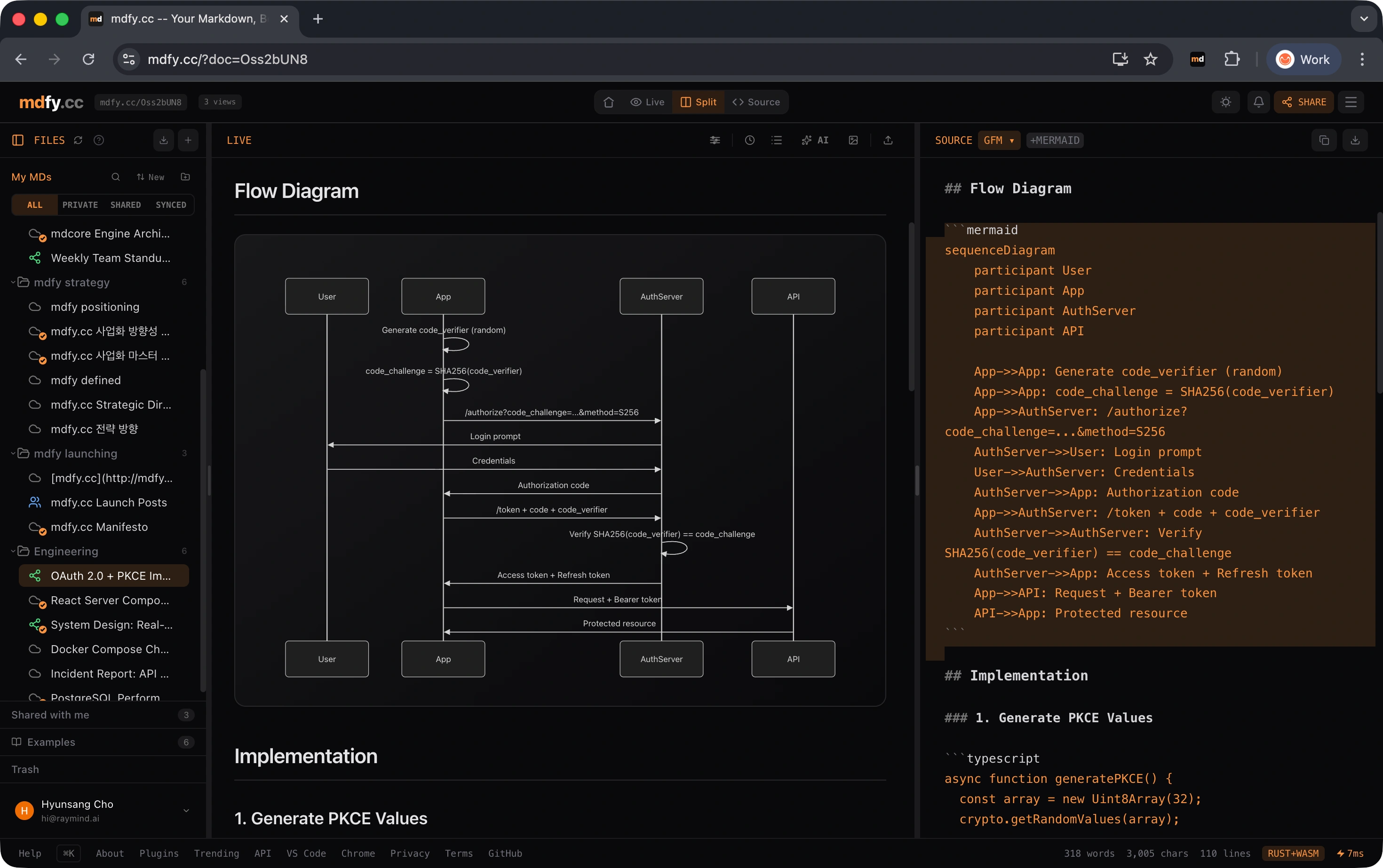
WYSIWYG editor

Click and type in the rendered preview, like a word processor. Markdown source stays clean.

KaTeX math

Inline and display equations rendered with LaTeX precision, ready to share.

Mermaid diagrams

Flowcharts, sequence diagrams, Gantt — straight from markdown code blocks.

Code highlighting

190+ languages via highlight.js. Copy button on every block.

Hub-wide search

Hybrid BM25 + vector RRF. Question goes in, ranked markdown chunks come out for any AI.

Concept index

LLM-extracted concepts across your whole hub, recomputed in the background.

Backlinks graph

[[wikilinks]] resolve into a self-wiring graph of how your documents connect.

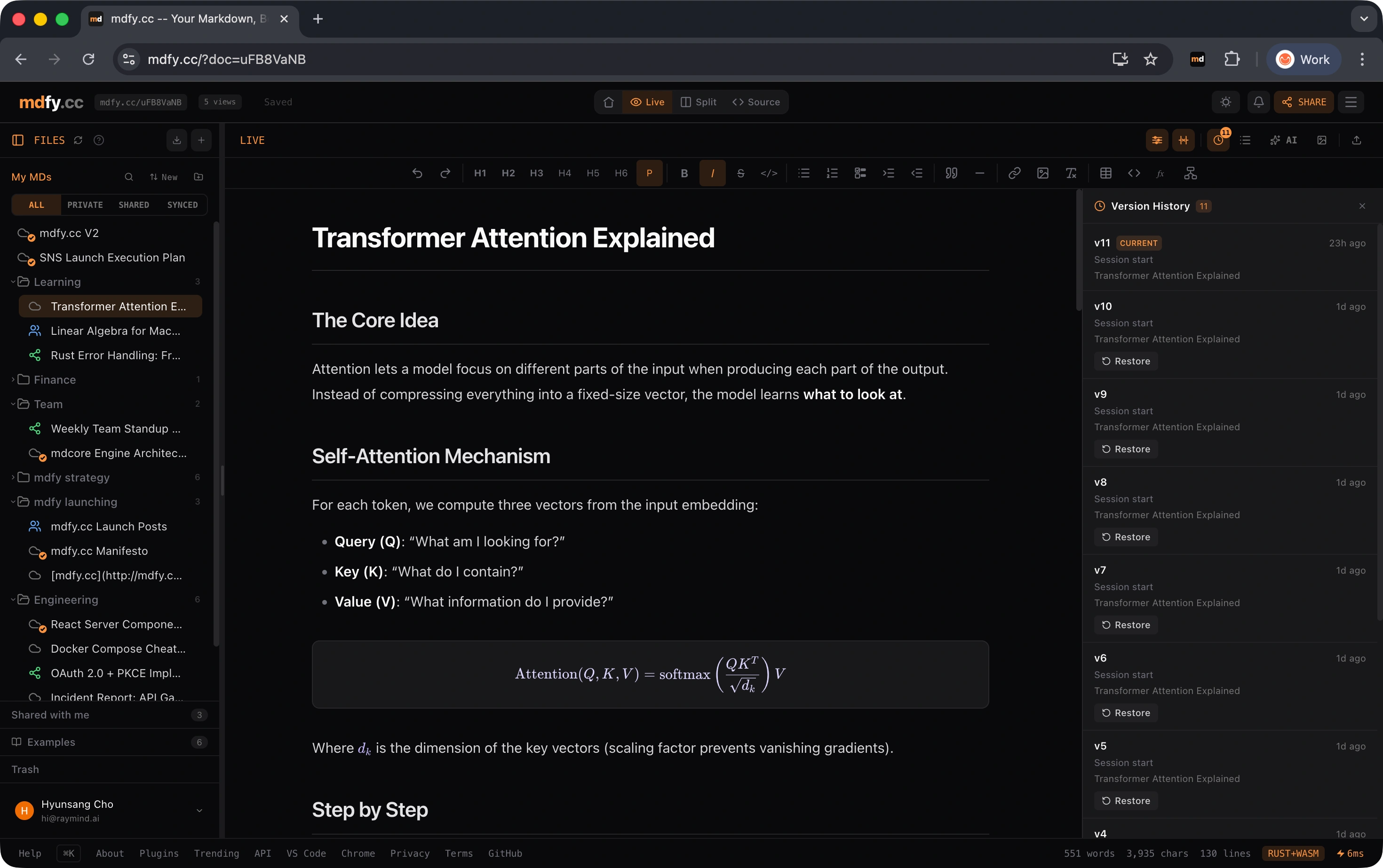
Version history

Every change is tracked and revertible. The URL stays the same; readers always see the latest.

06Cross-AI verification

The URL contract, verified open.

An open evaluation proving a single URL delivers your knowledge to every AI, including content the AIs have never seen during training.

ModeFamiliar hubUnseen hubTool use
Paste, full corpus100%100%100%
Paste, compact (5 to 9x cheaper)100%100%100%
Browse (AI fetches the URL)98%100%100%
Adversarial refusal100%not run100%

The unseen-hub column rules out memorisation: AIs cannot recall a hub they never saw during training, so 100% there means the URL delivery contract genuinely works. Full harness, judge, and round-by-round results are open.

07Why this is different

Not vendor memory. Not agent memory.

memory.wiki is the URL delivery layer. You author the content. Any AI fetches it. The two adjacent categories solve different problems.

Vendor memoryAgent memory storememory.wiki
First userAI auto-extractAI agentHuman
InterfaceInside one toolSDK or MCP serverPublic URL
VisibilityBlack boxBlack boxHuman-readable markdown
Cross-vendornonoyes
Sharingnopersonal or teamPublic URL, anyone reads
OwnershipVendorBackend serviceYou

Vendor memory (ChatGPT memory, Claude projects) lives inside one tool. Agent memory (mem0, Letta, OpenAI Memory) is a backend store an agent recalls from. memory.wiki is the URL delivery layer that sits one level up, deployable to every AI.

08Roadmap

Where memory.wiki is going.

The full surface is in private beta today. Public launch wave runs in late summer 2026 across nine surfaces simultaneously.

Shipped

TodayLive now

Live across every capture and retrieval surface. The product runs end to end.

  • Doc, Bundle, Hub URL primitives
  • Seven capture surfaces (Web, Chrome, VS Code, Mac, CLI, MCP, QuickLook)
  • Hybrid BM25 plus vector recall
  • Open cross-AI evaluation, reproducible
Beta

NextAug 2026

Landing during the v8 build window.

  • Mobile native (iOS, Android), Tier 1
  • Dual-namespace bundles (My, AI)
  • Attribution layer per entry
  • First-paste magic flow
Beyond

VisionPost-launch

Post-launch arc, v9 and after.

  • Bundle Spec RFC, open standard
  • Team workspace and shared knowledge
  • Deep partnership integrations
  • Enterprise self-host
Permanent
Your URLs never expire. Permanence is policy, not a feature flag.
Never trains AI
Your content is not used to train any model. Public docs are public reading, not training data.
Export anytime
Everything is plain markdown. Bulk export with one CLI command, no lock-in.
Open standard
Bundle Spec ships as an open RFC. The format outlives the product.
09Pricing

Free does almost everything. Pro unlocks privacy and scale.

Always
Free
Unlimited public knowledge. All apps.
  • Unlimited documents
  • Public docs and a public hub
  • All native apps (Web, Chrome, VS Code, Mac, iOS, Android, CLI, MCP)
  • AI auto-organize (tags, clusters, summaries)
  • Cross-AI reads (Claude, ChatGPT, Gemini, Cursor, Codex)
  • Modest image storage
TBD
Pro
Privacy controls, custom domain, generous storage.
  • Everything in Free
  • Private documents and private hub
  • Per-doc and per-bundle permissions (allowed emails)
  • Custom domain
  • Generous image and file storage
  • MCP server with full write access
  • Custom GPT integration
v9
Team
Per-seat, shared workspaces.
  • Everything in Pro
  • Multi-tenant workspace
  • Real-time collaboration on docs and bundles
  • Role-based access
  • SSO and SAML
  • Per-seat billing
  • Audit log
  • Coming after PMF, 6 to 12 months
10FAQ

Common questions.

If the answer below doesn't cover it, write to hi@raymind.ai.

How is this different from Notion, Obsidian, or Roam?
Knowledge tools optimize for human reading and editing. memory.wiki optimizes for AI delivery: every URL fetches as clean markdown, with no auth and no rate limits, so any AI can ingest it. You can keep using Notion or Obsidian for authoring — memory.wiki is where the URL lives that you actually paste into ChatGPT, Claude, or Cursor.
Will my content be used to train AI?
No. Your documents are stored and served as-is. We do not train any model on your content, and the public-read endpoint is a delivery contract, not a training pipeline. The cross-AI evaluation uses a held-out unseen hub specifically to rule out training-data overlap.
What happens to my docs if I cancel Pro?
Existing docs stay live at their permanent URLs. You drop back to the free tier limits on new captures, but everything previously published keeps working. URLs are permanent regardless of plan.
Can I export everything?
Yes. `mw export` from the CLI pulls every document as a markdown file plus a JSON index of bundles and hub structure. No proprietary format, no rehydration step.
Is it open source?
The Bundle Spec is shipping as an open RFC so the data format outlives the product. The reference renderer (markdown-it pipeline) and the CLI client are MIT. The hosted hub and AI orchestration are proprietary.
Does it work offline?
The Mac, iOS, and Android apps work offline against a local cache and sync when reconnected. CLI works offline for read and stage operations; publish requires network. The web editor needs a connection.
Who owns the data?
You do. memory.wiki is a delivery layer, not an owner. You hold the markdown, the URLs, and the right to take them elsewhere. We do not relicense or resell your content.
Ready

Start your hub.

Free during beta. No signup needed to try. Paste any markdown and you have a Document URL in three seconds.

Start your hub
Launch list

Get one email when public launch ships.

memory.wiki opens to everyone in August 2026. One message, no spam, unsubscribe with one click.

The bigger picture

The thesis behind memory.wiki, the strategy chain that led to v8, and what comes after launch.

Read the manifesto